Update every player, invite one at a time, then test one shared item and one reconnect.
Steam lists single-player and online co-op, while the official description says up to four players can share a frontier. Day 2 says multi-friend invites were fixed; Day 3 says open-world pickups and friend item sharing were fixed. Treat those as developer patch statements, then run a five-minute host/guest check before building, questing or moving valuable items.
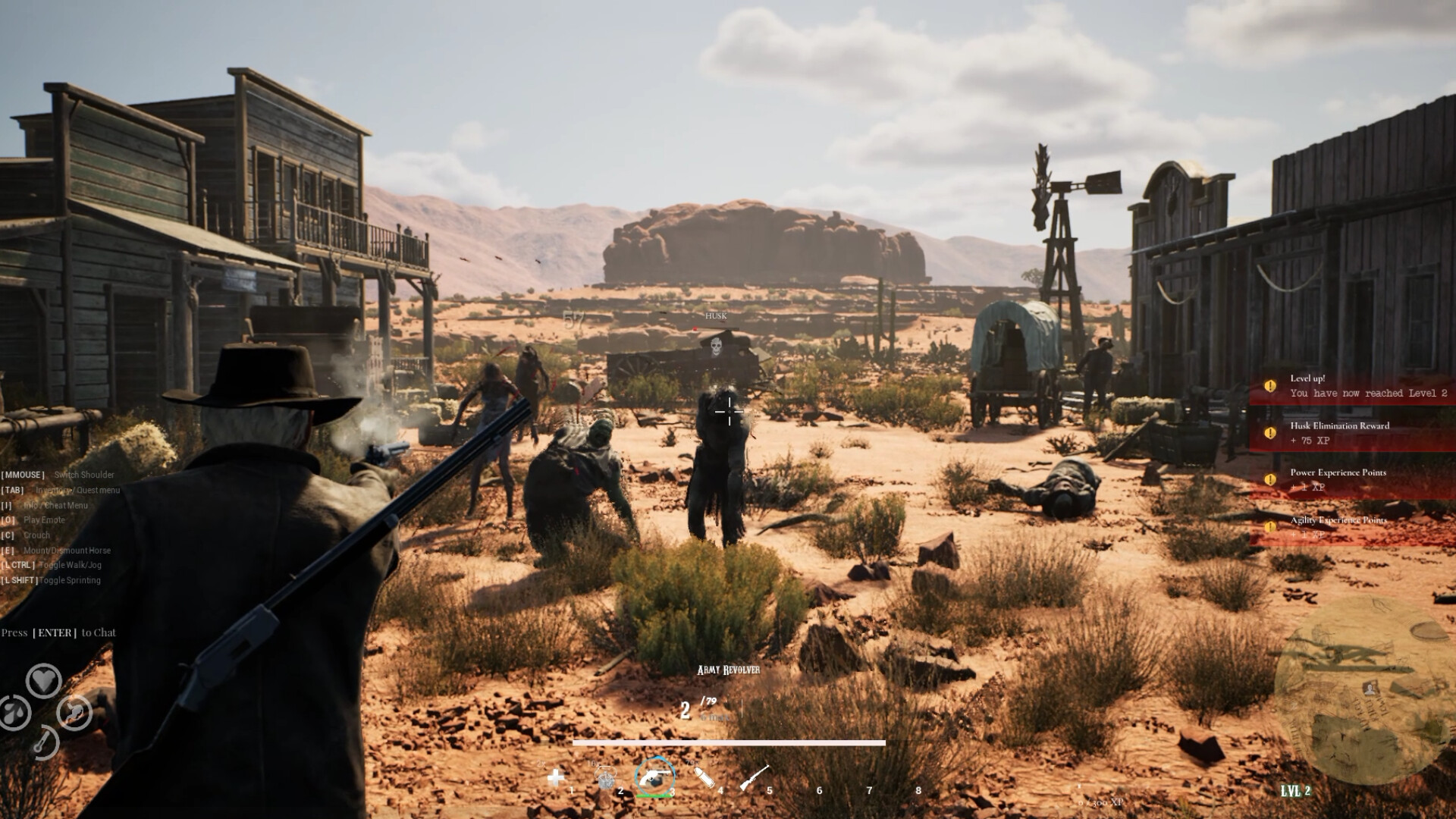
What is officially confirmed
One to four players
Steam lists single-player and online co-op. Developer copy says up to four players can occupy the same frontier.
Shared frontier activities
The store describes nearby homesteads, resource sharing, combat support, missions, bounties and sleeping through the night together.
Multiple-friend invites
The developer says the issue affecting invites sent to multiple friends was fixed. No build-wide independent retest is claimed here.
Pickups and friend sharing
The developer says an open-world pickup glitch and the inability to collect items dropped by friends were fixed.
Five-minute posse check
- Make sure every player has finished updating. Record the test date and which person hosts. The public notes do not expose a simple player-facing version number.
- Invite one guest, then the rest. Day 2 specifically names multiple-friend invites. If the first guest cannot join, diagnose that before adding more variables.
- Test a world pickup and a friend-dropped item. Use something disposable. Day 3 names both failure types, so this small test checks the exact patched claims without risking quest items.
- Complete one low-risk interaction together. Open the key UI, place or move a cheap object, and start only a non-critical activity. Do not use Sarah's Bag or another progression item as the first network test.
- Disconnect and rejoin once. Check character position, guest inventory, placed objects and quest state. These persistence rules are not documented clearly enough to promise in advance.
What remains unverified
The official material does not clearly document host save ownership, guest progression persistence, building permissions, container permissions, quest-state sharing, difficulty scaling, dedicated servers, cross-platform play or recovery when a host leaves. The system-requirements note mentions multiplayer internet requirements with an exception for LAN, but it is not a complete LAN setup guide.
If the session still fails
- Separate invite failure from in-world failure. Record whether the guest crashes, times out, joins but cannot interact, or loses state only after reconnecting.
- Retest with one host and one guest. A four-player failure does not identify which connection or shared action caused it.
- Do not call a patch ineffective from one mixed test. Compare a fresh session and, if practical, a new save before reporting the exact host/guest roles and action.
- Check the live status desk. New patch notes can change this page quickly during Early Access launch week.
Sources and evidence boundary
- Official Steam listing — player count, supported modes and described shared activities.
- Steam Community hub — Day 2 invite statement and current announcements.
- Official Day 3 patch note — pickup and friend-item-sharing statements.
- Steam discussions — dated join and interaction reports.
The official store establishes scope; patch notes establish developer claims; player reports establish observed problems. None of them alone proves every save or network configuration.